
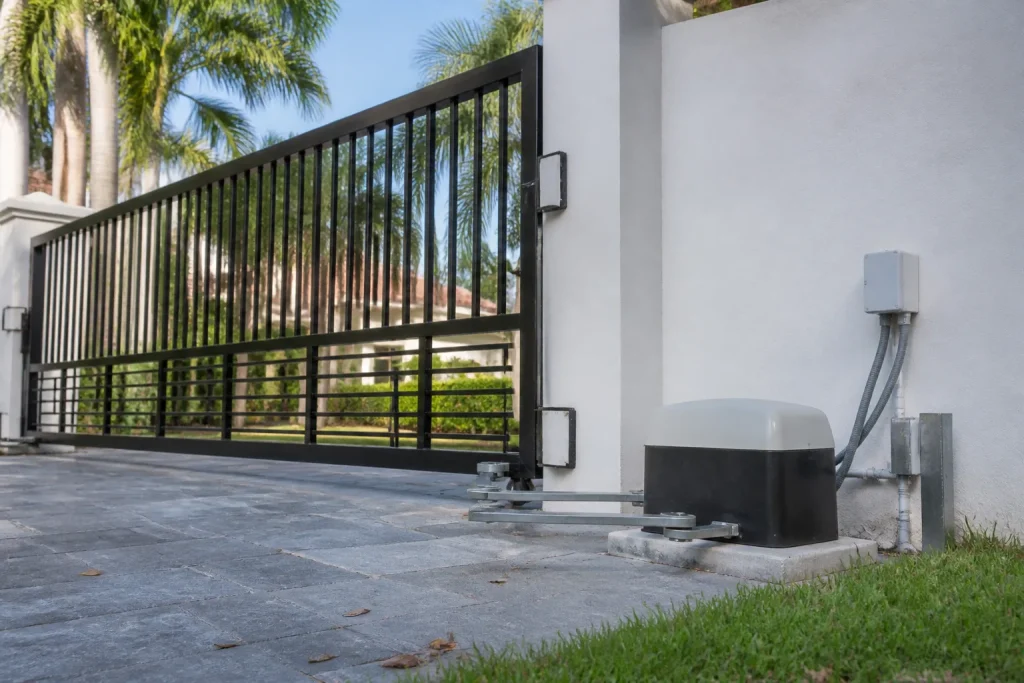
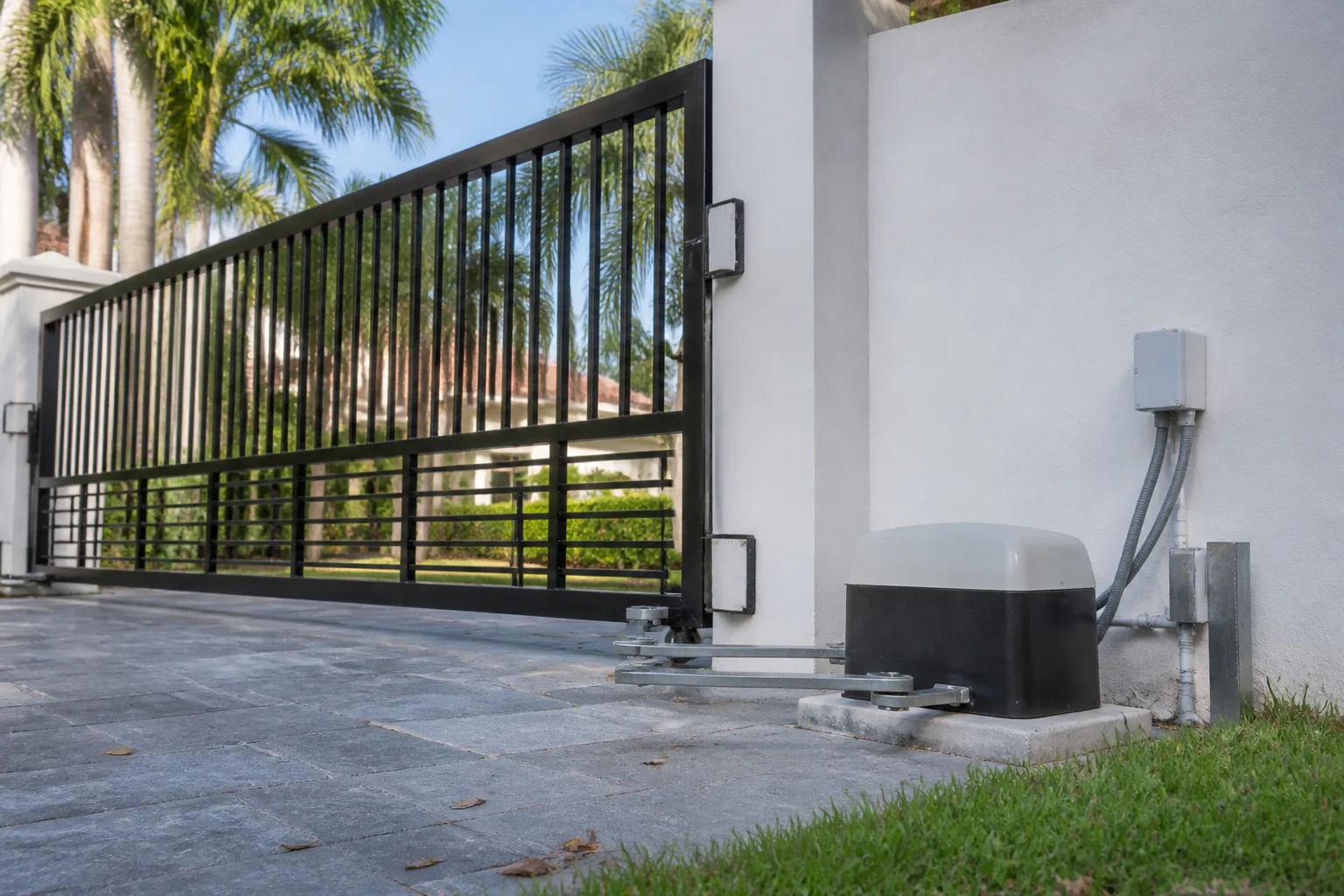
LiftMaster Gate Repair in Pompano Beach: A Homeowner’s Guide
LiftMaster gate operators are dependable machines until they decide to flash a code at you. And here’s the trap: the same number of flashes can mean two different faults depending on whether you own a LA400, an LA500, or a CSL24UL. Owners pull up a YouTube video made for a different model, order the wrong part, and a fifty-dollar fix turns into a board replacement. This guide breaks down the most common LiftMaster failures we see in Pompano Beach, and tells you plainly which ones you can handle and which ones need a trained hand on the terminal.
What do LiftMaster blink codes actually mean on a gate operator?
The flash count alone won’t diagnose your gate. You need the flash count plus your exact model, because LiftMaster reuses the same codes across boards built for different operators. That mismatch is the single biggest reason homeowners in Pompano Beach replace the wrong component.
Here’s how the main boards behave when you read the LED on the control board:
- LA400 (residential swing): a repeated two-flash pattern on the LA400 typically points at a different fault than it does on the larger LA500 – the diagnostic table in the LA400 manual is the only one that applies here.
- LA500 (heavy-duty swing): the LA500 board carries its own code map, and several codes overlap in flash count with the LA400 while signaling different conditions. Reading it with the LA400 chart sends you to the wrong part every time.
- CSL24UL (slide): the CSL24UL has a third, separate code table covering the slide mechanism, the safety edges, and the limits – it shares flash counts with the swing operators and means something else entirely.
So the practical rule: note the number of flashes, then open the manual for your specific model, not the model from the video. If the manual isn’t in the box under the control cover – it usually isn’t – look up the model plate on the operator’s housing and pull that exact table. Ten minutes of the right chart beats two weeks waiting on a part you didn’t need. If the code still doesn’t match a clear cause, that’s the point to stop guessing.
Why does myQ keep losing your gate in Pompano Beach?
A gate that’s dropped off myQ looks identical whether the problem is your Wi-Fi or a failed logic board. The two produce the same symptom – “offline” in the app – but the repair is completely different, and only one of them costs real money. Here’s how to tell them apart before anyone touches the operator.
- Test the gate on its own first. If the gate still opens and closes from the manual control or a keypad, the operator is fine and the problem is the connection to it. That rules out the board in most cases.
- Check the router. Band steering, a moved router, or a network password change knocks myQ devices off more often than any hardware fault. A consistent, dedicated 2.4 GHz connection is where LiftMaster’s gateway lives most reliably.
- Power-cycle the gateway, not the gate. Pull power from the myQ gateway for a short spell and let it re-find the network. If it rejoins, you’ve just saved yourself a service call.
- Still offline? If the gate works locally but won’t rejoin after a clean reboot, you’re now looking at the gateway or the operator’s connection point – not the app.
Only after the network is ruled out does the logic board become the suspect. Homeowners who skip straight to “the board is dead” replace healthy hardware. This diagnostic order – operator, then network, then gateway, then board – is what keeps a connectivity repair cheap. In Pompano Beach, where a gate ties directly into daily access and HOA routing, owners tend to notice myQ failures fast, which is actually good: catching it early keeps a small network fix from becoming a board conversation.
Why does the LiftMaster LA500 cut out on hot afternoons?
That’s not a fault. It’s the thermal cutout in the LA500 doing exactly what it’s designed to do. The operator’s motor has a built-in temperature guard, and on a Pompano Beach summer afternoon, a heavy swing gate running back-to-back cycles builds heat the motor has to shed. Once it hits the limit, it shuts down to protect itself.
What you’ll notice is a gate that worked all morning and quits by early afternoon, or stops after several cycles and then works again once it cools. If that pattern rings a bell, you’re not imagining it and you don’t necessarily have a broken operator.
How to reset it safely:
- Turn off the power at the breaker serving the operator.
- Let the unit sit and cool. The motor should not be hot to the touch when you bring it back online.
- Restore power and let the gate complete a cycle to confirm it runs.
- If it trips again within minutes rather than after a stretch of use, stop – that’s a sign of a different fault, not simple heat.
Do not open the motor housing to “help it cool” or adjust the operator’s torque by feel to force it through the cutout. The internal components carry lethal voltage and the moving mechanism can crush a hand without warning. The reset is at the breaker; everything inside the housing is for a trained technician. A properly sized operator and correctly adjusted force limits make these trips far less frequent, and that’s a judgment call worth having a specialist make.
Genuine vs. aftermarket LiftMaster parts: what’s safe to substitute?
Some parts you can swap without concern, some you shouldn’t touch with third-party replacements. The split comes down to whether a component talks to the board or just does a simple mechanical job.
Generally safe to substitute:
- Physical hardware – hinges, brackets, rollers, and general gate hardware – where fit matters more than brand identity.
- Routine wear items like seals and basic fasteners that don’t interact with the logic board.
Where genuine LiftMaster parts matter:
- The logic board itself. A third-party board may fit but won’t speak the same protocol, and it can throw codes that never match the manual.
- myQ-related components, which are designed to work as a sealed ecosystem with the operator.
- Any sensor or safety device that the controller reads for a fault signal.
Here’s the honest complication: aftermarket substitutes vary wildly in quality, and a cheap board that half-works is worse than no board at all because it disguises the real fault. We work on the LiftMaster system you already have and diagnose before we replace, so you’re not paying for a part that wasn’t the problem. When the correct genuine component is the answer, that’s what we tell you – and when a standard hardware piece will do the job, a premium one won’t be pushed. FAAC and BFT systems come through our hands too, and the same logic holds across every brand we service.
When should you stop and call a technician?
Stop the moment you’ve confirmed the fault is in the control board, the motor housing, or the wiring that feeds it. That line is where a homeowner repair turns into a more expensive board replacement – and occasionally into a serious injury.
Specifically, hand it off when:
- You’ve matched the flash code to the correct model manual and the fault points inside the control box or motor.
- The gate still won’t behave after a clean thermal reset and a ruled-out network issue.
- You see burned terminals, a smell of hot plastic, or scorched wiring at the wall connection.
- The gate’s safety edges or reversing sensors aren’t stopping it reliably.
LiftMaster operators run on line voltage, and a gate that moves is a crushing hazard. Board-level diagnosis, power work, and safety-device adjustment are not DIY territory. This is also where a dedicated gate specialist pays off: a technician familiar with the full LiftMaster line reads the right code the first time, knows which parts can stay aftermarket, and stops the parts-swapping spiral before it drains your budget. Our technicians have up to 12 years of experience across automated gate systems, and no guesswork is the standard we hold to.
If the gate is down and you need it today, we can help – electric gate repair is a same-day service for most failures. For a broader look at what we handle, our Pompano Beach page covers the full range of gate repair, from operator faults to hardware.
The Bottom Line
Most LiftMaster failures fall into a handful of patterns: a blink code misread because it was matched to the wrong model, a myQ dropout that’s really a network issue, a thermal cutout doing its job in the summer heat, the wrong substitute part, or a repair pushed past the point where a board is the cheaper answer. Get the model right, rule out the network before the board, let the safety systems do their job, and know where to stop. Everything else, you can reason through.
If you’re in Pompano Beach and need help with a LiftMaster, FAAC, BFT, or Mighty Mule system, we offer free estimates – call (888) 399-8022. We answer 24/7. Fast dispatch from 7am to 7pm, Sunday through Friday, and the price is quoted and agreed before any work starts.
Frequently Asked Questions
Yes, for a thermal cutout and a network dropout. For a thermal trip, turn the power off at the breaker, let the motor cool, then restore power and let the gate cycle. For a myQ issue, reboot the gateway. If the fault points into the control board, motor housing, or line wiring, that’s a technician’s job – call us for a free estimate and we’ll tell you straight.
Because you’re likely reading it against the wrong model’s code table. The LA400, LA500, and CSL24UL each carry their own diagnostic tables, and the same flash count can mean different faults across them. Note your exact model, pull that manual’s table, and if it still doesn’t resolve, call (888) 399-8022 – we read these daily.
No. If the gate opens from the remote or keypad, the operator is working and the problem is the connection – usually the router, the gateway, or the network settings. Run the network tests first. A logic board failure only becomes the suspect after the network is ruled out. If it does turn out to be the board, that’s when you call us.
It depends on the fault and the part, which is why a diagnostic comes first. A network or reset fix costs far less than a board replacement, and knowing which one you’re facing is the whole point of this guide. The written estimate sets the final price, and the price is agreed before any work starts. Call us for a free estimate – (888) 399-8022.
Written by the team at Gate Repair Pompano Beach.
Need Gate Repair Help?
Call Gate Repair Pompano Beach - licensed & insured, here with fast help in Pompano Beach.
(888) 399-8022